Introduction
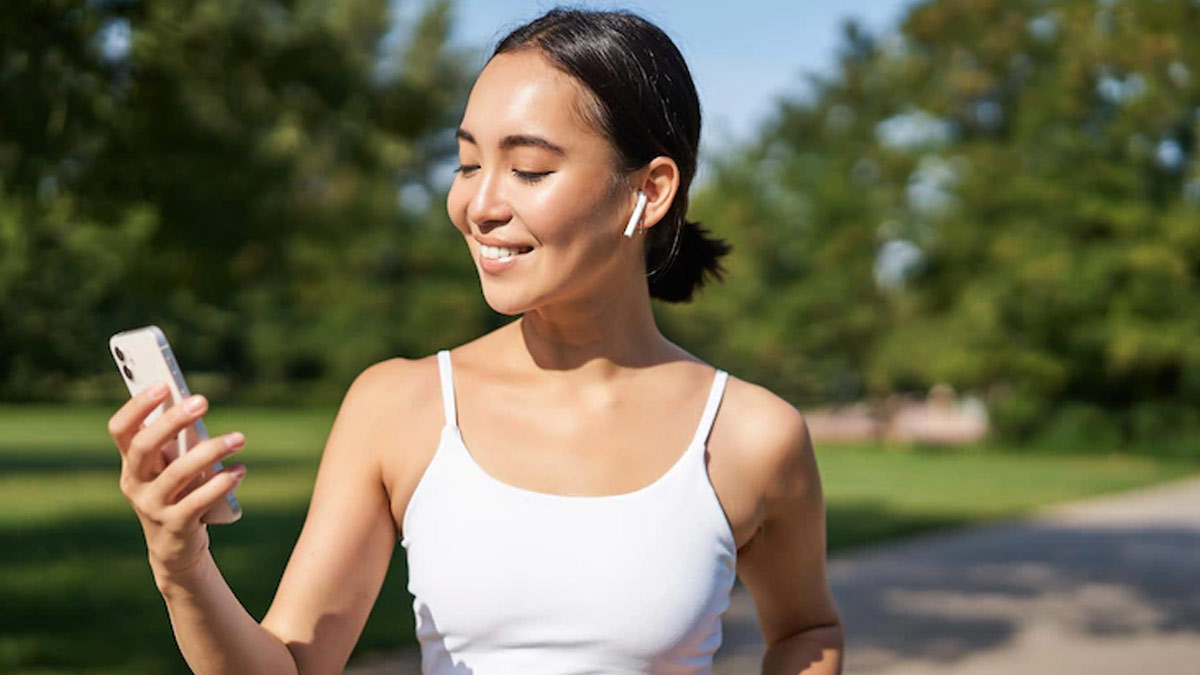
There’s a quiet revolution happening in your pocket right now. While gym memberships sit gathering digital dust and good intentions fade into Netflix queues, millions of people across the United States, Canada, and the United Kingdom are quietly transforming their health one tap at a time. Fitness apps have moved well beyond glorified step counters. They’re now your personal trainer, nutritionist, accountability coach, and cheerleader, all rolled into one sleek interface that lives between your banking app and your music library.
But here’s the thing nobody tells you when you first venture into the world of fitness apps: the sheer volume of options is genuinely overwhelming. There are over 350,000 health and fitness apps available across major platforms. That’s not a number that’s a maze. So where does a beginner even begin?
This guide is your compass. Whether you’re a 28-year-old professional in Denver trying to squeeze workouts into a packed schedule, a 54-year-old in London rediscovering movement after a sedentary decade, or a fitness-curious newcomer in Toronto who doesn’t know a deadlift from a dumbbell this is written for you.
What Are Fitness Apps, and Do They Actually Work?
Let’s address the skeptic in the room first. Do workout apps really work? The short answer is yes but with an important asterisk.
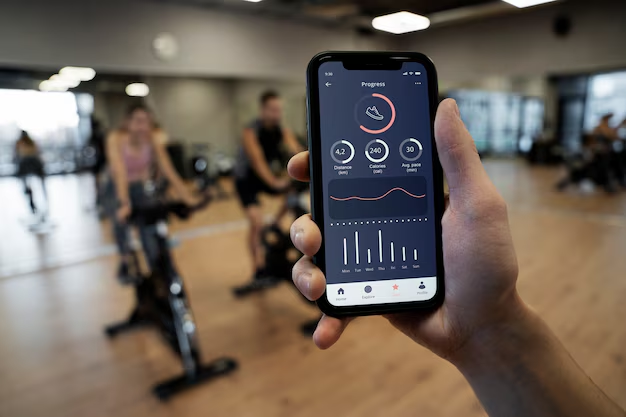
Research published via the Mayo Clinic consistently shows that people who track their physical activity are more likely to meet recommended exercise guidelines than those who don’t. The act of logging, monitoring, and reviewing your progress creates a feedback loop that the human brain finds deeply motivating. It’s the same psychology behind a to-do list crossing things off feels good.
The longer answer is that an app is only as effective as your commitment to using it. Think of a fitness app like a premium gym: it doesn’t matter how good the equipment is if you never show up. What apps do exceptionally well is lower the barrier to showing up. They remove the friction of planning telling you exactly what to do, for how long, and how to progress which is often the biggest hurdle for beginners.
The NHS recommends that adults aim for at least 150 minutes of moderate-intensity activity per week. Fitness apps make that target feel structured, achievable, and even enjoyable, rather than an abstract goal floating somewhere in the distance.
Is 30 Minutes of Exercise a Day Enough for Beginners?
One of the most common questions people ask when starting out is whether 30 minutes of daily exercise is sufficient especially for beginners. The reassuring answer is: absolutely, yes.
Thirty minutes of moderate exercise per day a brisk walk, a beginner yoga session, a light cycling class meets the weekly activity threshold recommended by health authorities in the US, UK, and Canada. For someone coming off a long period of inactivity, this is not just enough; it’s exactly right. Going too hard, too fast is one of the leading reasons beginners abandon their routines within the first month.
Most beginner-friendly fitness apps are built around this reality. They start you gently, build gradually, and celebrate small wins which matters more than most people realize at the start.
The 3-3-3 Rule for Workouts: A Framework for Beginners
If you’ve spent any time searching fitness content lately, you’ve probably stumbled across the 3-3-3 rule for workouts. It’s gained popularity because it’s elegantly simple and surprisingly effective for beginners.
The 3-3-3 rule generally refers to structuring your workout week around three sessions of three types of activity (cardio, strength, and flexibility) each lasting at least 30 minutes. Some interpretations focus on three sets, three exercises, or three-minute intervals. The common thread is a commitment to consistency over intensity which is precisely what beginners need.
Many fitness apps build their beginner programs around similar principles, even if they don’t use this exact terminology. Apps like Nike Training Club structure beginner plans with rotating workout types to prevent monotony and reduce injury risk, which aligns perfectly with the philosophy behind the 3-3-3 approach.
Which Fitness App Is Best for Beginners?
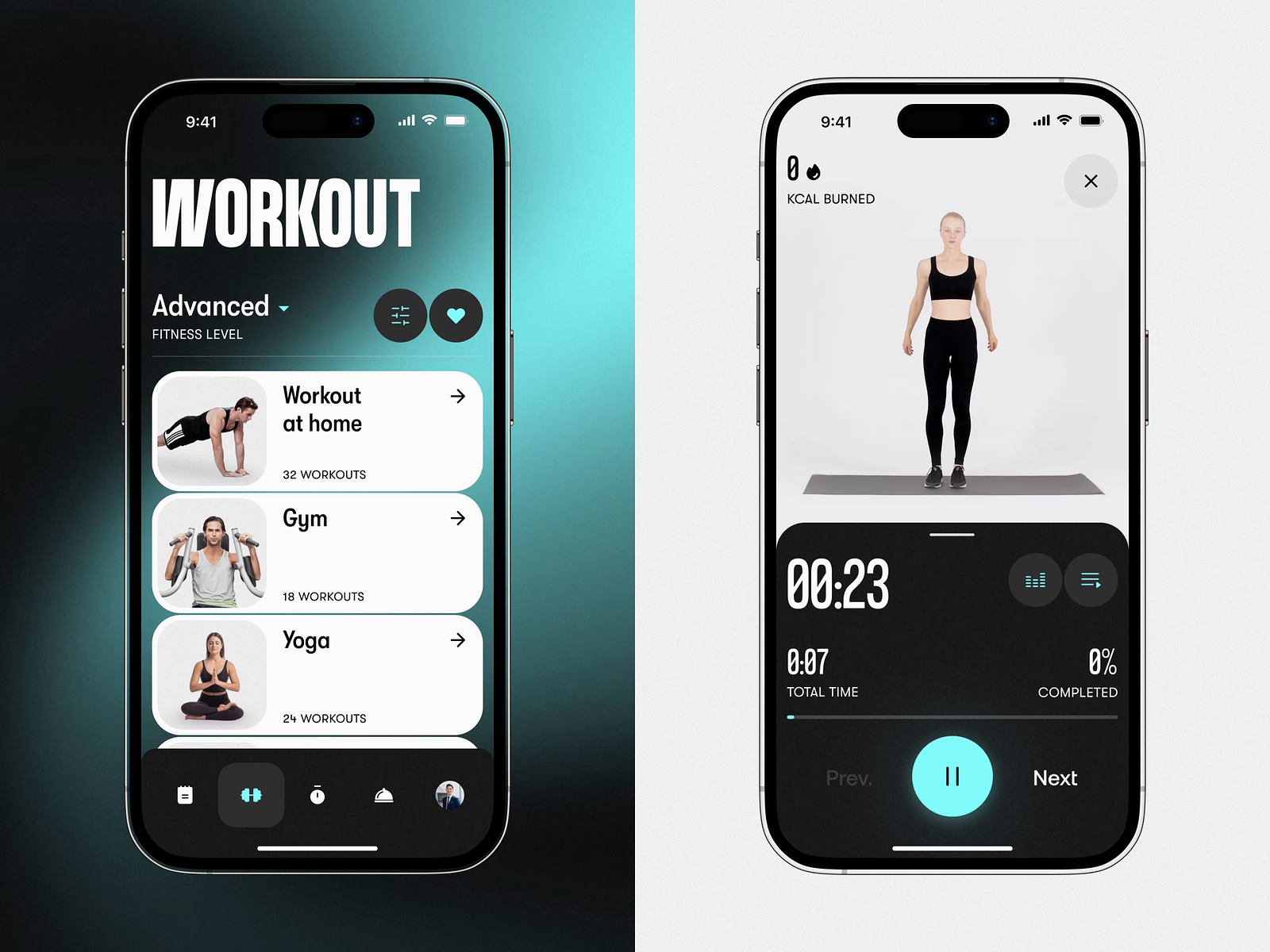
This is the question that drives millions of Google searches every month, and the honest answer is: it depends on what you’re trying to achieve. But let’s cut through the noise with some clear guidance.
Here’s a breakdown of top-rated fitness apps across different categories:
| App | Best For | Free Version Available | Premium Cost (approx.) | Platforms |
|---|---|---|---|---|
| Nike Training Club | All-around beginners | Yes (generous) | Free | iOS, Android |
| FitOn | Home workouts, community | Yes (100% free) | Optional upgrade | iOS, Android |
| MyFitnessPal | Nutrition + fitness tracking | Yes (limited) | ~$19.99/month | iOS, Android |
| Strava | Running & cycling | Yes | ~$11.99/month | iOS, Android |
| Apple Fitness+ | Apple device users | No (7-day trial) | $9.99/month | Apple only |
| Couch to 5K (C25K) | Running beginners | Yes | ~$2.99 one-time | iOS, Android |
| Heather Robertson App | Home strength training | Partial (YouTube) | Subscription | iOS, Android |
| Strong | Gym-goers, weightlifters | Yes (limited) | ~$14.99/month | iOS, Android |
| Centr | Full lifestyle approach | 7-day trial | ~$29.99/month | iOS, Android |
| JEFIT | Gym workout planning | Yes | ~$14.99/month | iOS, Android |
For pure beginners, Nike Training Club and FitOn consistently rank at the top because they offer structured, guided workouts with clear instructions, zero intimidation factor, and excellent free tiers. The NHS’s own guidance on being active with apps and technology highlights that the best app is the one you’ll actually use a point worth tattooing on your brain before you download anything.
Is There a 100% Free Fitness App Worth Using?
The good news for your wallet: yes, genuinely great free fitness apps exist. The not-so-fine-print: some use “free” loosely, meaning they’re free until they’re not.
FitOn is currently one of the strongest contenders for a truly free fitness app. It offers hundreds of workouts led by celebrity trainers including HIIT, Pilates, strength, yoga, and dance without requiring a subscription for core content. There’s an optional FitOn PRO upgrade, but the free version is legitimately robust.
Is FitOn really free? Yes. FitOn operates on a freemium model where the core library of workouts, including live and on-demand classes, is genuinely available without cost. The premium tier adds features like personalized meal plans and offline downloads, but you can build a solid fitness routine entirely within the free version.
Nike Training Club similarly offers a substantial free library after Nike made most of its premium content free during the pandemic a decision they’ve largely maintained. For someone starting from scratch, NTC’s guided beginner programs, adaptive training plans, and expert-led video workouts represent exceptional value at zero cost.
Is MyFitnessPal still free? This is where things get nuanced. MyFitnessPal does offer a free tier, but it has become more restricted over recent years. The free version still allows calorie tracking, exercise logging, and access to its extensive food database which is genuinely useful. However, more advanced features like nutrient tracking, meal planning, and detailed analytics are now behind the premium paywall. For basic use, it remains free; for deeper functionality, expect to pay.
What Are the Top 10 Fitness Apps Right Now?
Trends shift, but here’s where the consensus sits for 2026, based on ratings, user reviews, and feature depth across the US, Canada, and UK markets:
- Nike Training Club — Best overall free app for structured beginners
- FitOn — Best completely free option with celebrity trainers
- Apple Fitness+ — Best for Apple ecosystem users
- Strava — Best for runners and cyclists
- MyFitnessPal — Best for nutrition and calorie tracking
- Peloton — Best for immersive class experience (equipment optional)
- Heather Robertson App — Best for home strength training (huge in Canada)
- Couch to 5K — Best single-purpose running app for absolute beginners
- JEFIT — Best free gym workout planner
- Centr — Best premium all-in-one lifestyle app
What makes these apps stand out isn’t just the quality of their workouts it’s how well they understand the beginner psychology. The best fitness apps for beginners are engineered around motivation, not just mechanics. They celebrate streaks, send gentle reminders, offer modifications for every fitness level, and make progress feel visible.
Is Strava Better Than Apple Fitness+?
This comparison comes up often, but it’s a bit like asking whether a hammer is better than a screwdriver. They serve fundamentally different purposes.
Strava is a social fitness tracker built primarily around outdoor activities running, cycling, hiking. It excels at GPS tracking, route planning, segment competition, and community connection. If your fitness goal involves getting outside and moving, Strava is superb.
Apple Fitness+ is a guided workout service requiring Apple hardware (iPhone at minimum, Apple Watch for full functionality). It’s studio-quality video instruction for strength, HIIT, yoga, cycling, mindful cooldowns, and more. It’s best experienced indoors or at home.
If you’re an outdoor runner or cyclist with an iPhone, you might use both. If you’re starting a home workout routine, Apple Fitness+ wins on content depth. If you’re on Android, Strava is your only option between the two.
Does Heather Robertson Have a Workout App?
Yes and it’s become a genuine phenomenon, particularly in Canada and among fitness communities in the UK and US. Heather Robertson, the Canadian fitness trainer who built a massive YouTube following with free, high-quality home workouts, launched her own app to give subscribers an even more structured training experience.
Her app offers organized training programs, calendar-based scheduling, and exclusive content beyond what’s on YouTube. However, it’s worth knowing that her YouTube channel remains one of the most comprehensive free workout resources available offering everything from 10-minute quick sessions to full 12-week programs at absolutely no cost.
For someone starting out, Heather Robertson’s YouTube channel is an excellent starting point before committing to any paid app. The production quality is exceptional, the workouts scale well for beginners, and there’s enough variety to keep things interesting for months.
Is Gen Z More Into Fitness?

This question has become surprisingly fascinating from a cultural standpoint. The data suggests that Gen Z broadly those born between 1997 and 2012 are indeed engaging with fitness in high numbers, but often in ways that differ significantly from previous generations.
Rather than traditional gym memberships, Gen Z tends to gravitate toward:
- Home workouts and app-based fitness over gym culture
- Functional and accessible training (bodyweight, HIIT, yoga) over heavy weightlifting
- Community-driven platforms like Strava, FitOn, and TikTok fitness challenges
- Mental health-conscious movement — yoga, pilates, and mindful exercise are enormously popular
This is partly why apps like FitOn, Nike Training Club, and even niche apps built around specific trends have exploded in popularity. The Gen Z approach to fitness is less about aesthetics and more about longevity, mental clarity, and community which is arguably a healthier framework than previous generations inherited.
For older professionals and those in their 40s and 50s, this shift is worth noting: the best fitness apps on the market today are designed with accessibility, inclusivity, and mental well-being in mind not just calorie burn.
The Best Fitness Apps for Specific Goals
Best Workout App for Females
The notion of a “workout app for females” is evolving most modern fitness apps are genuinely gender-inclusive. That said, apps like FitOn, Nike Training Club, and Sweat (by Kayla Itsines) have historically resonated strongly with women, offering a blend of strength training, HIIT, yoga, Pilates, and nutrition guidance tailored to different life stages.
Sweat in particular includes programs designed around hormonal cycles, pre/postnatal fitness, and beginner-friendly progressions features that many general fitness apps don’t address.
Best Fitness App for Over 50
Age is not a limitation it’s a context. And the best fitness apps understand that context.
For those over 50, the priorities shift toward:
- Joint-friendly workouts (lower impact, better warm-ups)
- Flexibility and mobility alongside strength
- Manageable intensity that builds gradually
- Balance and functional fitness for long-term health
Apps like SilverSneakers GO, Aaptiv, and even Nike Training Club (with its “beginner” filters) cater well to this demographic. The Obesity Action Organization’s research on mobile fitness applications also highlights that apps combining fitness tracking with behavioral support show the strongest long-term outcomes for older adults.
Best Fitness App for Weight Loss
Weight loss through apps works best when fitness tracking is combined with nutrition awareness. MyFitnessPal remains the gold standard for food logging and calorie awareness. Pairing it with a workout app say, Nike Training Club or FitOn creates a powerful combination.
Be cautious of apps that promise dramatic results through extreme programs. Sustainable weight loss is built on consistent, moderate activity and a realistic relationship with food not 30-day crash programs. The BSW Health guide on picking the best workout app rightly emphasizes matching app intensity to your current fitness level, not your aspirational one.
How to Gain Muscle at Home Without Equipment

This question has surged in popularity since the pandemic reshaped how people think about home fitness, and the answer is genuinely encouraging: you can build significant muscle mass at home with zero equipment.
The key is progressive overload consistently challenging your muscles beyond their current capacity. Without weights, you achieve this through:
- Increasing reps or sets of bodyweight exercises over time
- Slowing down the movement (tempo training) to increase time under tension
- Progressing exercise difficulty (from knee push-ups → standard push-ups → decline push-ups → archer push-ups)
- Reducing rest periods to increase metabolic demand
- Adding isometric holds (pausing at the hardest point of a movement)
Recommended at-home muscle-building exercises:
| Muscle Group | Beginner Exercise | Progression |
|---|---|---|
| Chest | Knee push-ups | Standard → Decline push-ups |
| Back | Bodyweight rows (using a table) | Inverted rows |
| Legs | Squats | Bulgarian split squats |
| Shoulders | Pike push-ups | Handstand push-up progressions |
| Core | Dead bugs, planks | Ab wheel rollouts |
| Arms | Diamond push-ups | Close-grip variations |
Apps like FitOn, Nike Training Club, and Heather Robertson’s programs are particularly good at structuring progressive bodyweight training, offering clear video demonstrations and scheduled programs that build systematically over weeks.
As a general guideline, at-home workouts should ideally run 30 to 60 minutes for a meaningful strength stimulus though even 20-minute sessions, done consistently, compound into real results over time.
How to Choose the Right Fitness App: A Practical Framework
Before you download anything, answer these four questions honestly:
1. What’s my actual goal? Weight loss, muscle building, running a 5K, stress relief, general movement these require different tools. Be specific.
2. What’s my current fitness level? Don’t download an app designed for intermediate athletes and wonder why you can’t keep up. Start where you are, not where you wish you were.
3. How much time can I realistically commit? Three 30-minute sessions per week, done consistently, will always outperform five ambitious sessions that fizzle out after two weeks.
4. Do I prefer guided instruction or self-directed training? Some people thrive with video-led classes (FitOn, Apple Fitness+). Others prefer building their own programs (Strong, JEFIT). Know your style.
The Energise Me resource on being active with apps and technology offers a helpful framework for evaluating apps based on your personal health goals worth a read before committing to any subscription.
FAQ: Your Fitness App Questions, Answered
Q: Which is the best free fitness app overall? For most beginners, Nike Training Club or FitOn both offer exceptional free content without requiring a credit card.
Q: Is there a free gym app that tracks workouts? Yes. JEFIT and Strong both offer free tiers that allow workout logging, exercise libraries, and basic progress tracking. They’re particularly good for tracking gym sessions.
Q: Are there free apps that don’t ask for a subscription for workouts? FitOn and Nike Training Club’s core workout libraries are accessible without a subscription. Heather Robertson’s YouTube channel is also an extraordinary free resource with no paywall.
Q: What workout app is 100% free? FitOn is the closest to genuinely free, with a robust core library requiring no subscription. Nike Training Club is similarly generous.
Q: What is the 3/2/1 rule in gym? The 3/2/1 rule is a workout structure where each session includes 3 minutes of cardio, 2 minutes of strength, and 1 minute of core repeated in circuits. It’s a framework for balanced training efficiency, particularly popular in time-constrained workouts.
Q: Which apps are good for exercise overall? Nike Training Club, FitOn, Strava, MyFitnessPal, Apple Fitness+, and Peloton consistently receive the strongest user ratings across US, UK, and Canadian app stores.
Q: What is the best online fitness program for 2026? Peloton and Centr lead for premium all-inclusive programs. For free options, Nike Training Club and FitOn remain the strongest contenders heading into 2026.
The Bottom Line: Start Simple, Stay Consistent
The most sophisticated fitness app in the world is useless if you don’t open it. The unsexy truth about getting started with fitness apps is that the best one is the one you’ll actually use tomorrow, and the day after that, and the week after that.
Start with something free FitOn or Nike Training Club are reliable bets for almost every beginner. Commit to just 30 minutes a day, three times a week. Follow a structured beginner program rather than cobbling together random workouts. Track your progress, even loosely.
Then, after 30 days, reassess. You’ll know far more about what you enjoy, what challenges you, and what actually fits your life. That knowledge is worth infinitely more than any premium subscription purchased in a burst of New Year’s motivation.
Your phone already has more fitness potential than most gyms from a decade ago. The only question is what you do with it.
Ready to take the next step? Share this guide with a friend who’s been thinking about getting started, and let us know in the comments: which fitness app has worked best for you and why?